Pronto Soccorso
Italia
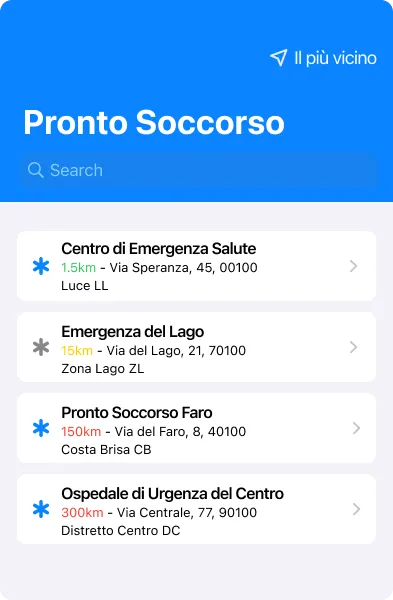
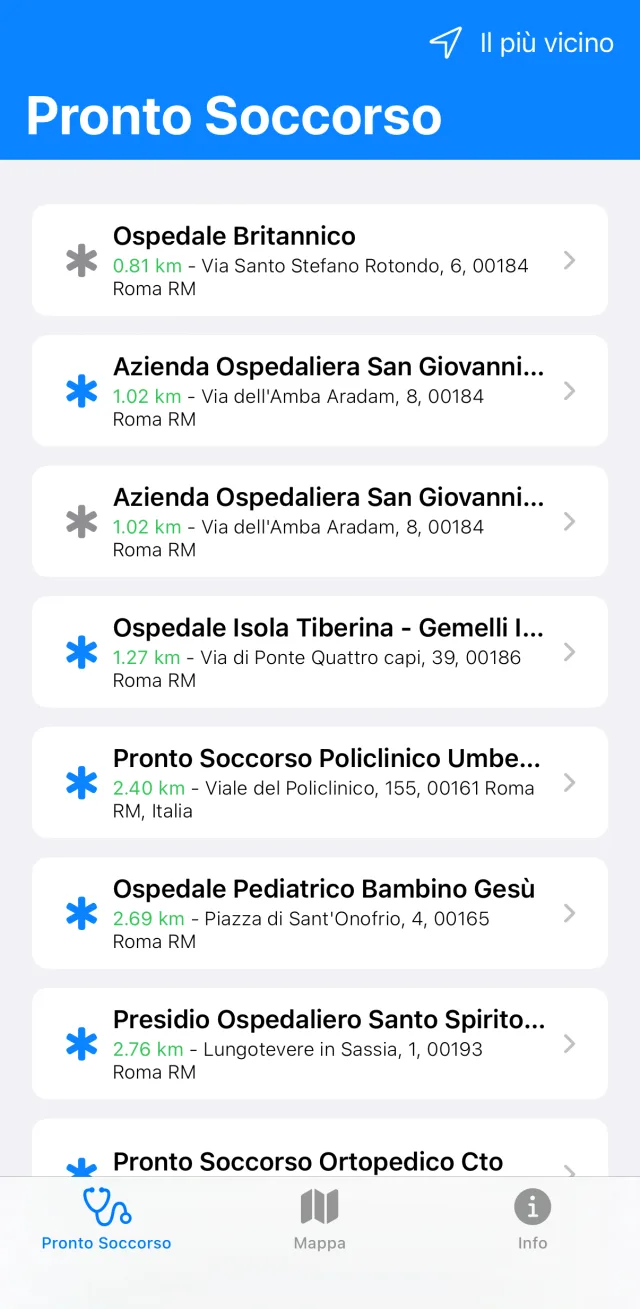
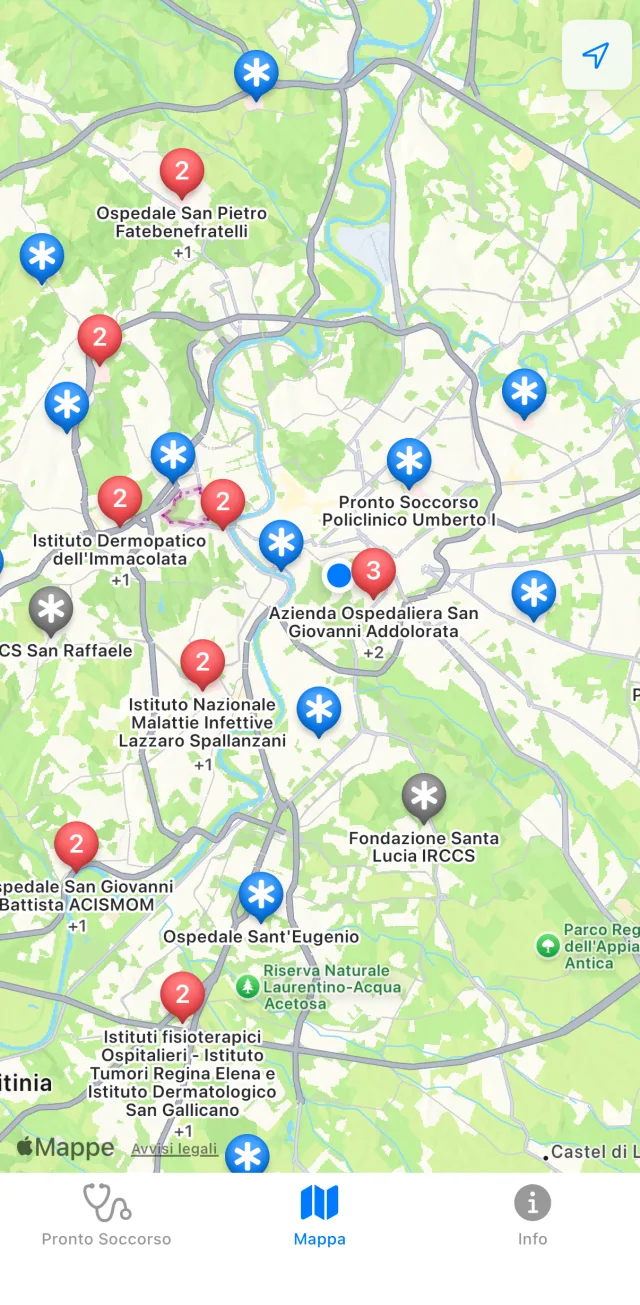
Find the nearest emergency rooms in Italy. The app gathers the crowding, triage and waiting time data that hospitals and regional health services publish.
In an emergency, call 112 right away.
Try it on the web now
Nothing to install. Open the map and see the nearest emergency rooms with up-to-date waiting times.
- Live waiting times and triage
- Search by region, province and city
- Free, no sign-up
Real-Time Monitoring
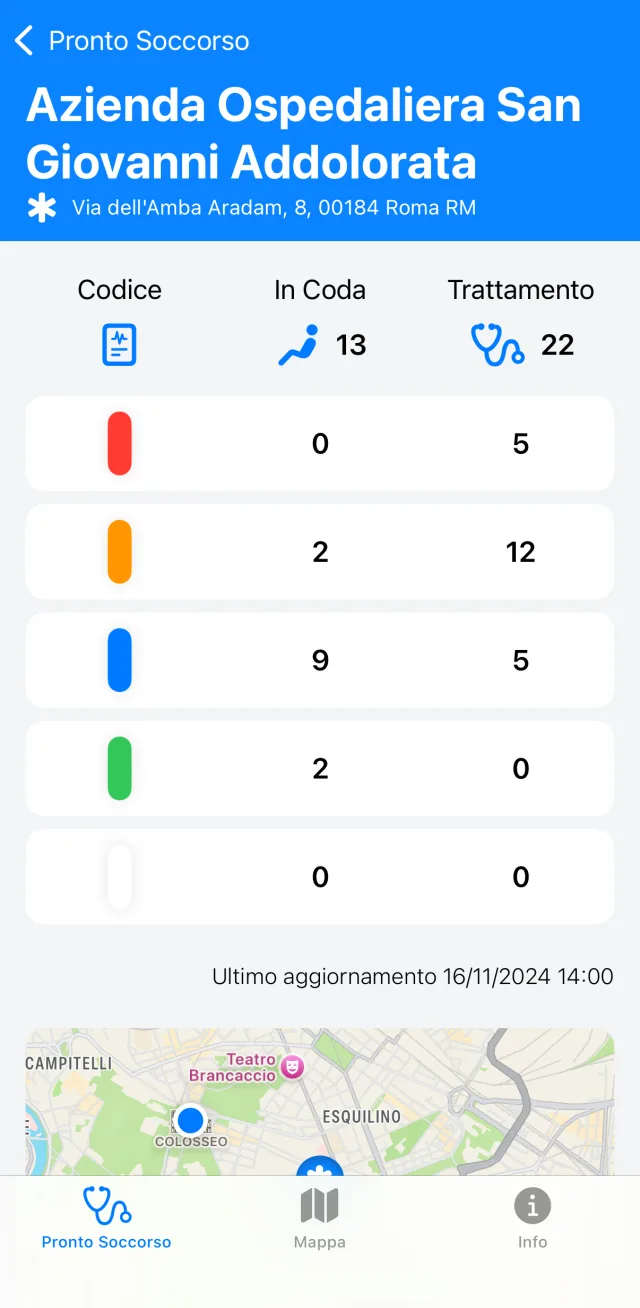
Waiting
See how many patients are waiting
Treatment
See how many patients are being treated
Observation
(n/a)See how many patients are under observation
Average time
(n/a)Check the average waiting time
See what the app offers.
Frequently asked questions
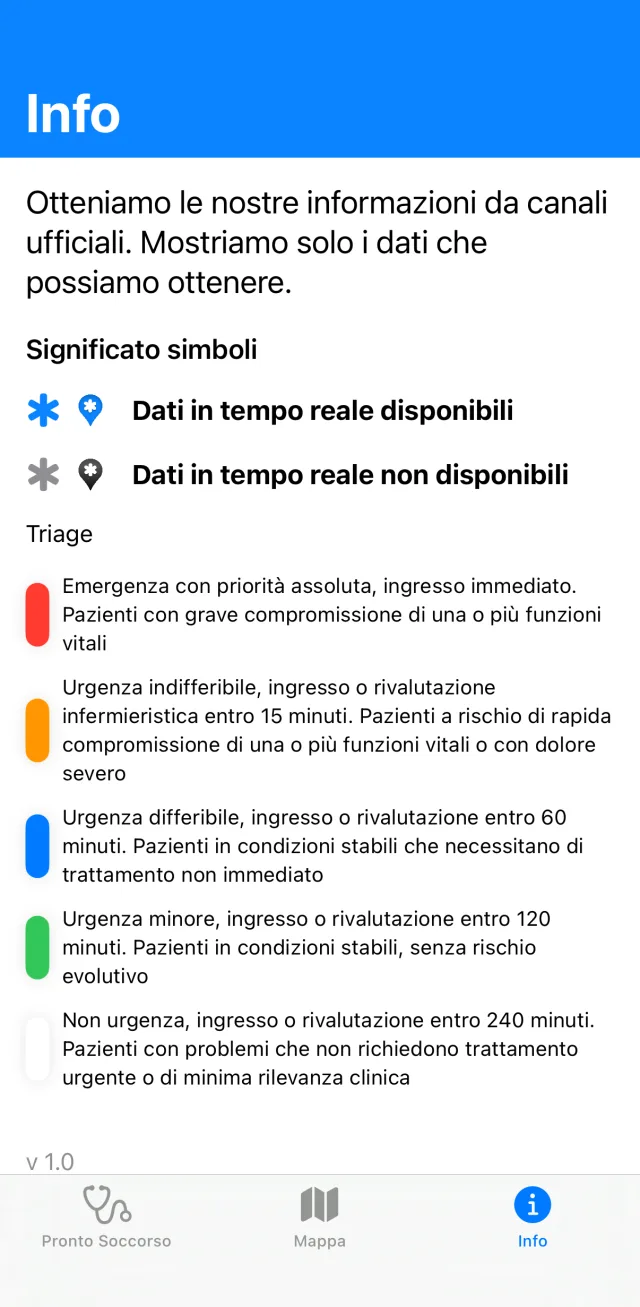
The colour shows how urgent a case is: red is an emergency with immediate access, then orange or yellow for urgent cases, then green and finally white for non-urgent ones. The exact codes change from region to region (some use light blue or blue instead of orange or yellow): the app shows the code as each emergency room reports it.
Open the emergency room's page in the app. If the source publishes them, you will find the number of people waiting for each colour code and the average times.
Call 112 right away, without waiting to check the waiting times in the app.
Hospitals and regional health services produce the data and decide what to publish and when to update it. Pronto Soccorso Italia gathers and shows the data they publish.
The app shows triage data such as waiting times, treatments in progress and observations, marked with colours: red, orange, yellow, blue, white and green. It shows how crowded an emergency room is and how serious the waiting cases are.
Yes. You can download and use Pronto Soccorso Italia for free on iPhone and Android.
You can search the listed emergency rooms outside big cities too. The availability of triage data varies by hospital and region.
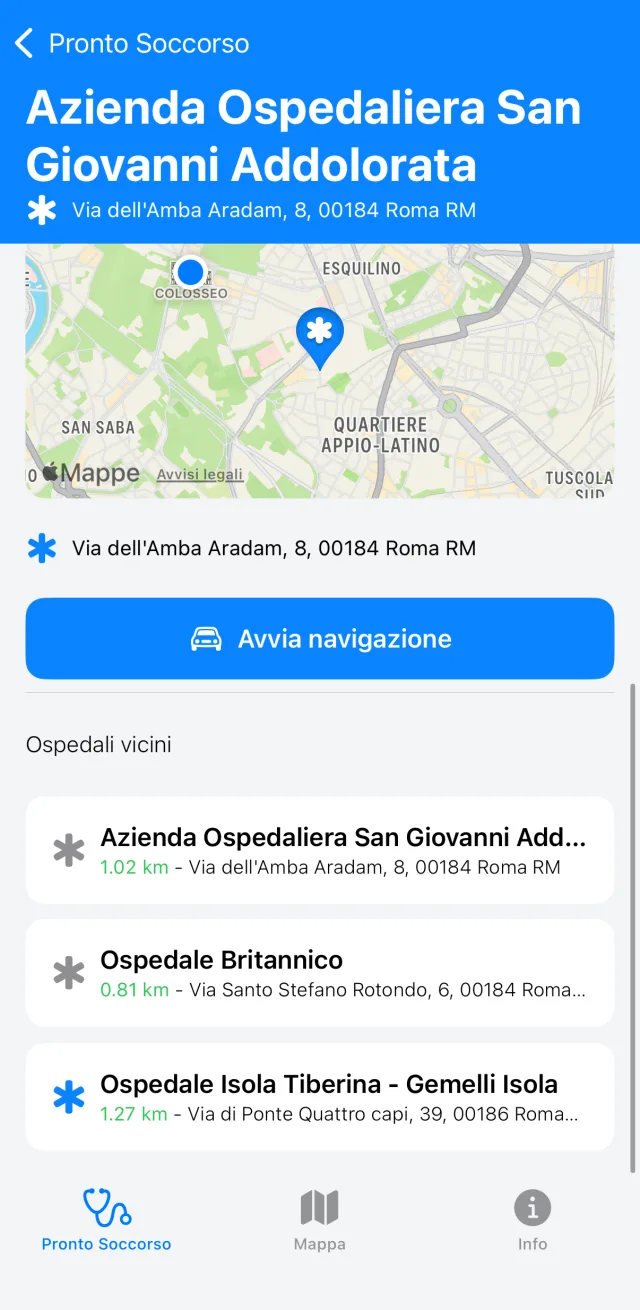
The app uses your device's GPS to find where you are, calculates the distance to each emergency room and lists the closest ones first.
Filters narrow the list by name, distance or region. Apply them in the list view to find the emergency room you need faster.
Select an emergency room to see the hospital's details, including its address. A button opens your device's navigation app with step-by-step directions.
Contact us
Looking for help, or want to improve our app? Write to us for anything, and above all to report missing hospitals. Your input helps us make the service more complete.